



Wonaco App for Players in Canada
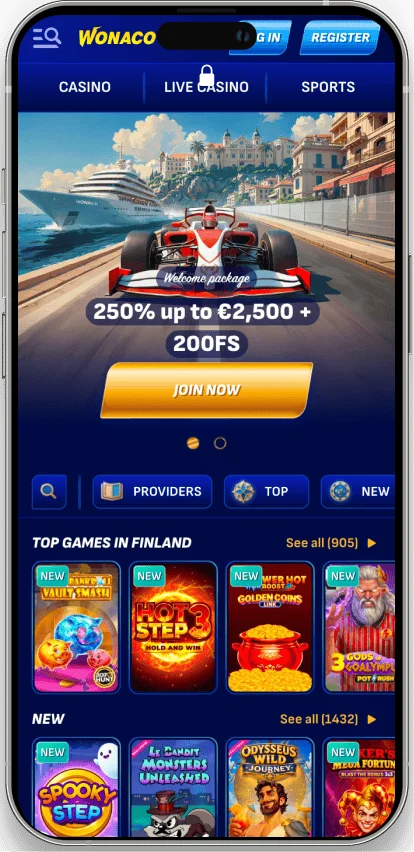
The Wonaco app provides Canadian players with access to our casino and sportsbook through a mobile device. Play live games, sports bets and slots without moving to a desktop. You can also claim any available bonuses and manage your account, all in one place. Clear navigation keeps account tools easy to reach on the go.


Bonuses and Rewards in the Wonaco App
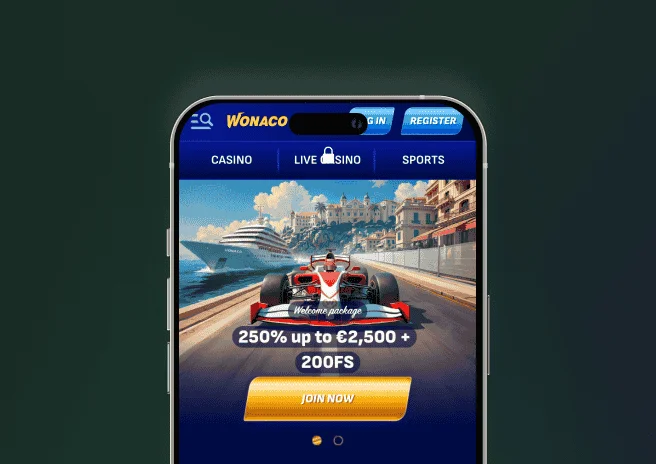
Our app gives you access to the same promotions available in your account, so you can check current offers directly from your phone. You can open the bonus section, review the main conditions, and activate eligible rewards without switching to the desktop version.
Mobile access is especially effective when a promotion is available for a limited time. You can see new offers, track your active bonuses and find out which rewards are ready to be used on your next casino session.



Wonaco App vs. Playing on PC
The mobile app is built for quick access and mobile convenience, while the PC version gives you more screen space for longer sessions. Both options connect to the same account and available promotions.
| Feature | Wonaco Casino App | PC Version |
| Access | Open Wonaco directly from your phone without staying at a desk. | Best suited to play from a fixed location. |
| Navigation | Touch controls make it quick to move between games, bonuses, and account tools. | Mouse and keyboard can be more comfortable for navigating in detail. |
| Portability | Play casino games or check sports markets wherever you have a stable internet connection. | Requires access to a computer or laptop. |
| Live Casino | Live tables are adapted for smaller mobile screens. | The larger screen gives more space to view the table and details of the game. |
| Sports Betting | Useful for checking odds and placing bets while away from your computer. | Easier to compare more markets at the same time on a larger screen. |
For fast everyday access, the app is the more flexible option. PC play can be better if you want to view more information at once.

How to Add Wonaco Casino to Your Android Home Screen
On Android, you can create a Wonaco shortcut in Chrome and open the site directly from your home screen. This means you can get to it faster and don’t have to search for the website every time.
However, it’s better to install our lightweight and optimized PWA using the following route:
- Go to our website in the browser.
- To the right of the address bar, find the three-dot icon.
- Choose “Install and create shortcut.”
- Then select “Install.”
- Name the shortcut. Keep the default name or rename it if you prefer.
- Tap “Install.”
The Wonaco icon will appear on your home screen.
Then, with just one tap, you can launch our platform and access your casino account and promotions directly from your home screen. The icon still opens Wonaco through Chrome, so there’s no need to download a separate Android app.
How to Add Wonaco to Your iPhone or iPad Home Screen
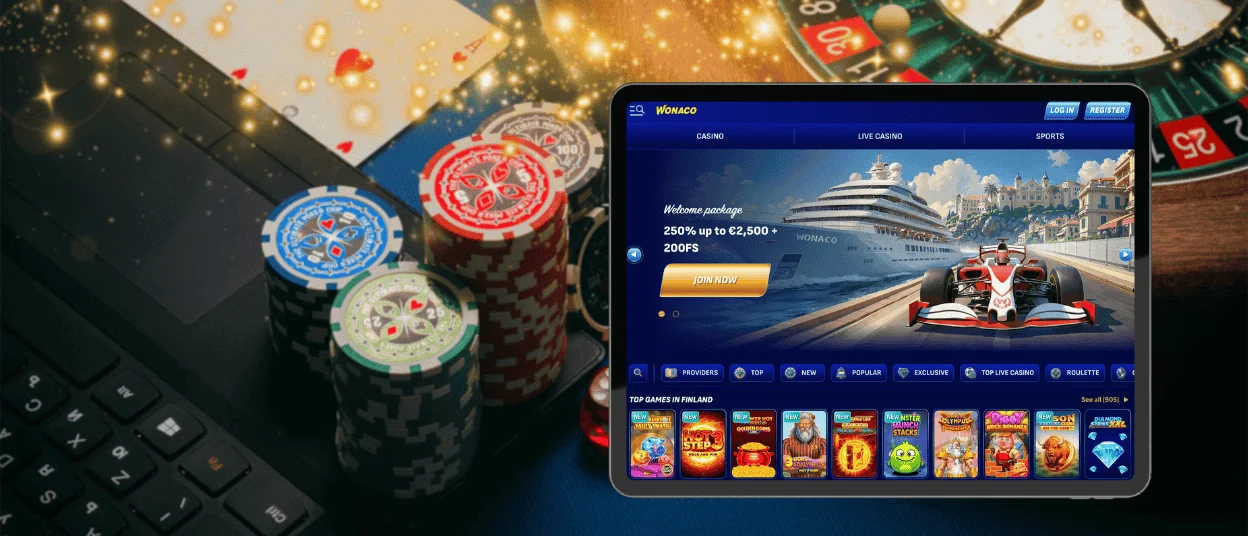
You can add Wonaco to your home screen on iPhone and iPad using Safari on iOS and iPadOS. Our app will help you to get to the casino more quickly and avoid having to type in the website address each time.
- Open Safari on your iPhone or iPad and go to our site.
- Tap the Share button. In Safari’s toolbar, look for the square icon with an arrow.
- Select “Add to Home Screen.” If you do not see it immediately, scroll through the available actions.
- Check the shortcut name. Keep Wonaco as the default name or change it if you prefer.
- Tap “Add.”
Once the PWA is added, Wonaco stays easy to reach from your iPhone or iPad home screen. Tap the icon to return to the mobile version of the casino without searching for the site again.
Mobile-First Experience at Wonaco
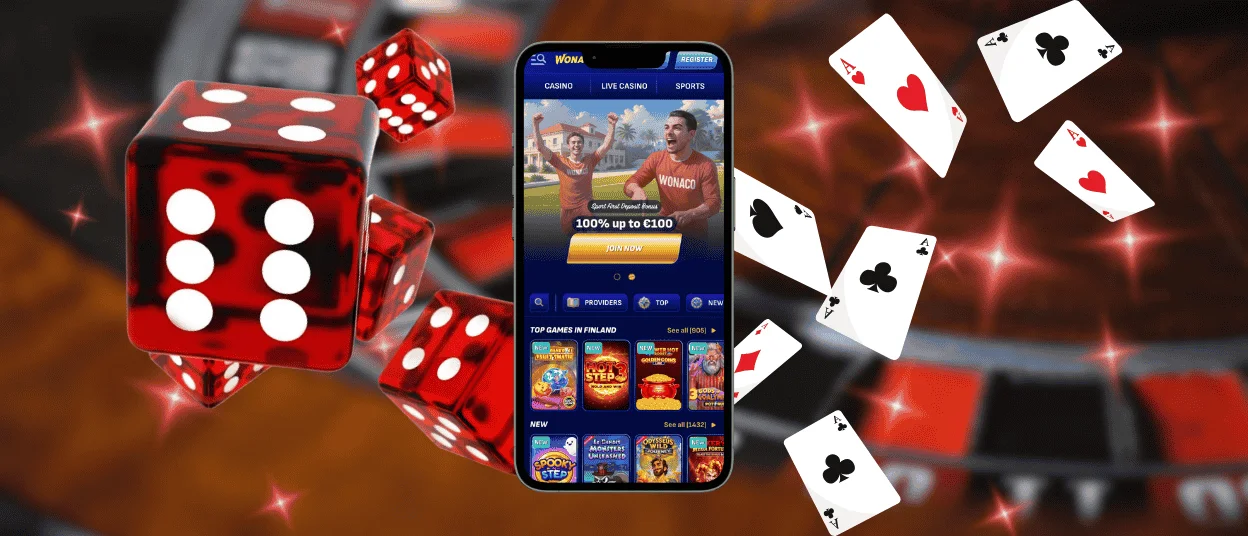
A mobile-first approach means we design the Wonaco experience around smaller screens and touch controls from the start, rather than simply shrinking the desktop version. For players, this makes menus easier to use, game pages quicker to open, and account tools simpler to reach on a phone or tablet.
It is also important because many actions in the casino are time-sensitive. The mobile-first layout makes these actions easily accessible and reduces the number of clicks required to navigate between account settings. The result is a more practical experience for everyday use.
FAQ


